
Firestick Installation
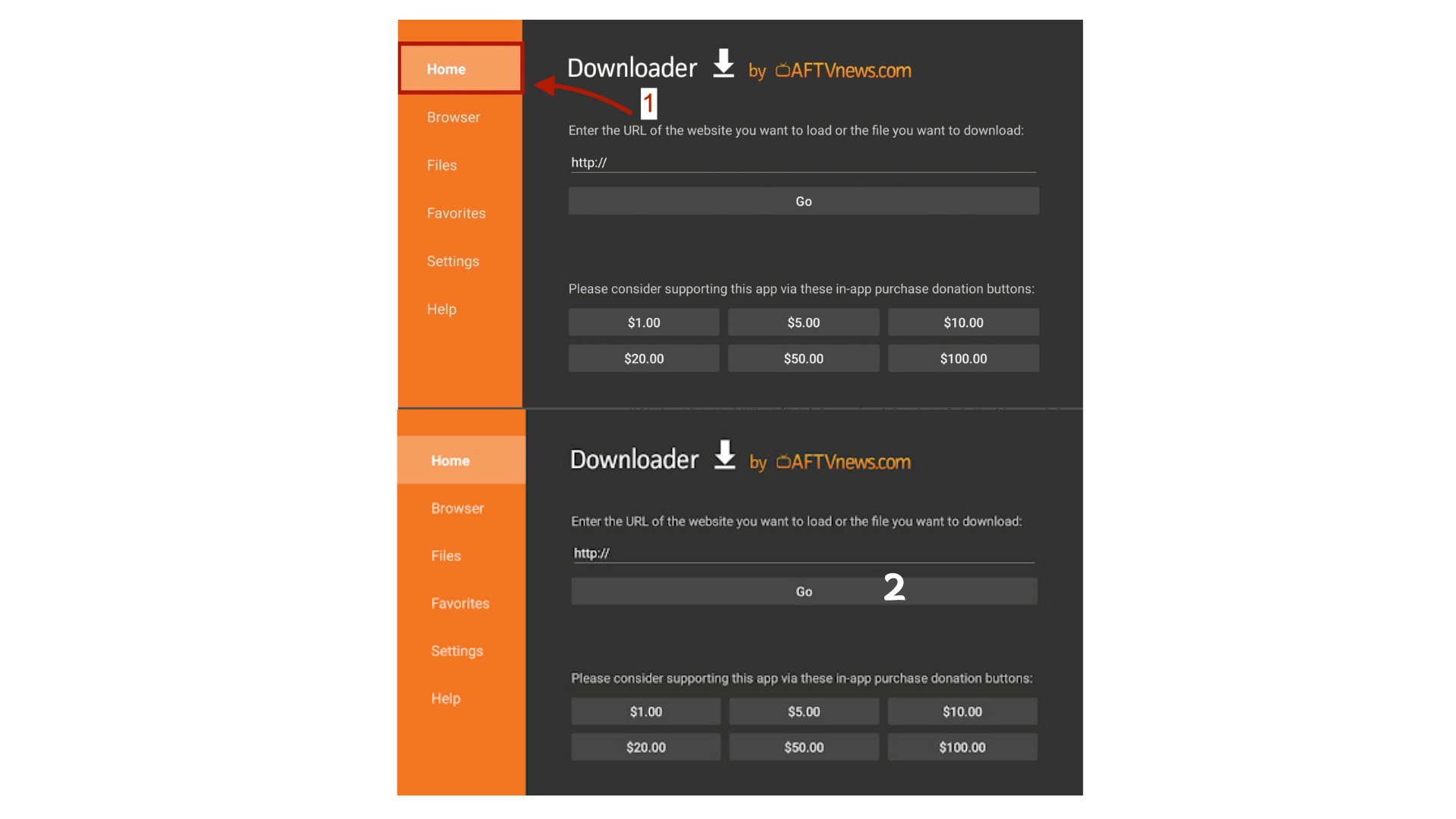
Get "Downloader"
Search for it in Amazon Store.
Enter Code
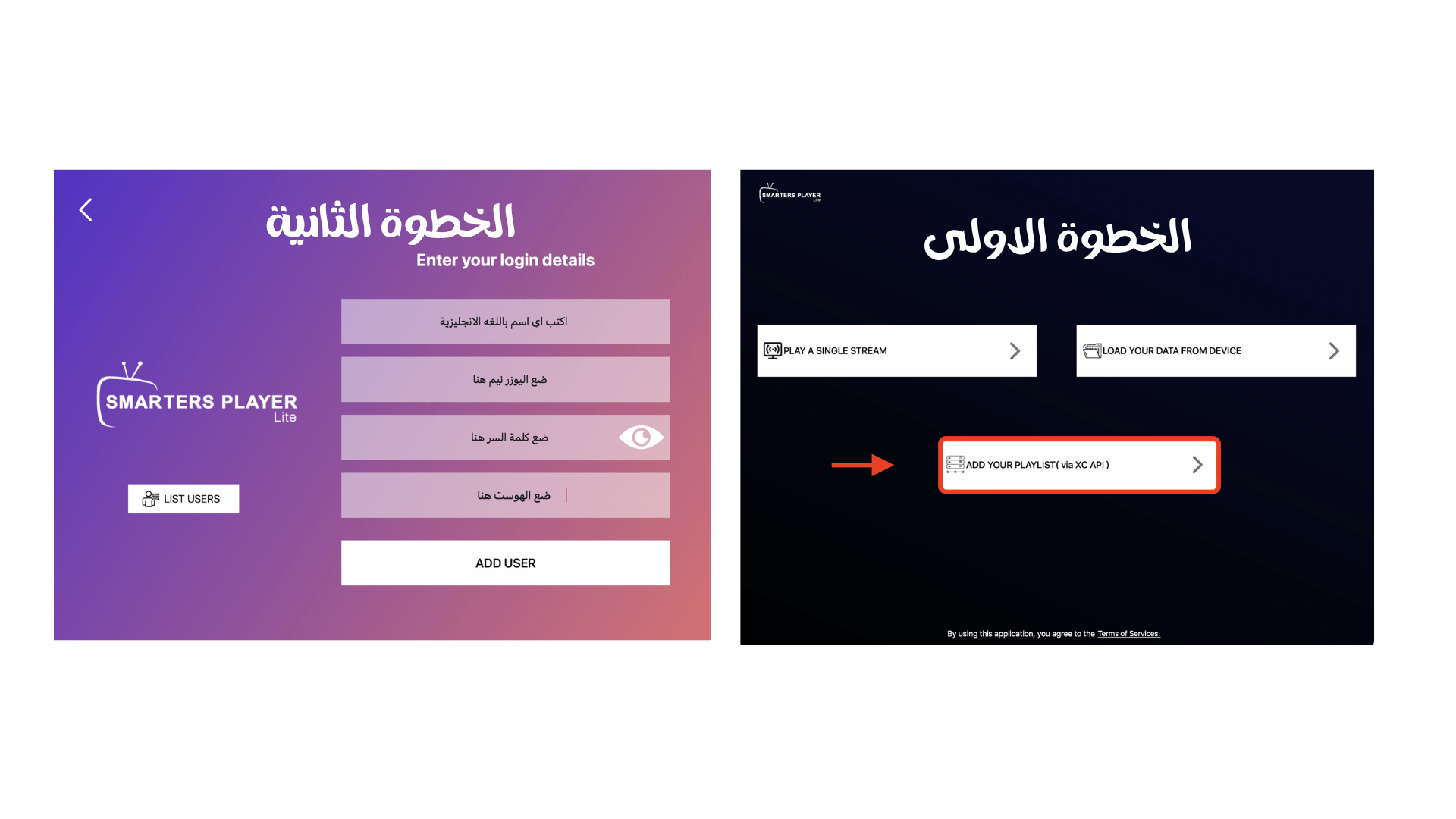
Login
Open app & use your credentials.
Android Devices
Need Help Setting Up?
Our expert team is available 24/7 to help you install AirTV on any device in minutes.
The Ultimate Sports Pass
Stream every goal, every touchdown, and every knockout. Get full access to Champions League, Premier League, La Liga, NFL, and NBA in 4K Quality.
Detailed Guide: How to Install IPTV on Firestick
Learning **How to Install IPTV on Firestick** is the first step to unlocking thousands of premium channels. Amazon Fire TV Stick is the most popular streaming device because it is affordable and easy to "jailbreak" (side-load apps). Our AirTV app is fully optimized for Firestick remote control, ensuring a smooth user experience.
Why Use Downloader?
Since IPTV apps are not always available in the official Amazon App Store, you need a tool called "Downloader". This app allows you to **Install IPTV on Firestick** by typing a direct URL or a short code.
Common Troubleshooting
- Parse Error: Delete the APK file and download again using code 786354.
- App Not Installed: Free up space by uninstalling unused apps.
- Buffering: Restart your router or try using a VPN.